



Customer Reviews For The Honeywell Home T9 Wi-Fi Smart Thermostat with Smart Room Sensor
Overall Rating
Product Reviews
We have used this stat. several times on customers home and its not only easy to install but the customers love them
Easy to use app makes this thermostat a go to choice. If you have any older model Honeywell thermostats it takes just a matter of seconds to install the new smart thermostat.
The thermostat works fantastic! Easy install.
Same
Finally feel like I have good control over my thermostat. Temperature displayed is large and easily visible. Plenty of customization or keep it simple too. Installation very easy for a less than average handyman. Highly recommended.
I love the smart thermostat, it works well in my house
I had a little trouble at first with the app and maintaining an internet connection. but it works fine now. Geofencing only works when you unlock your phone, just arriving home isn't enough for it to register.
This is a totally good item, very easy to install for someone who has no HVAC history at all. I would recommend this product to anyone who asked.
Product FAQs
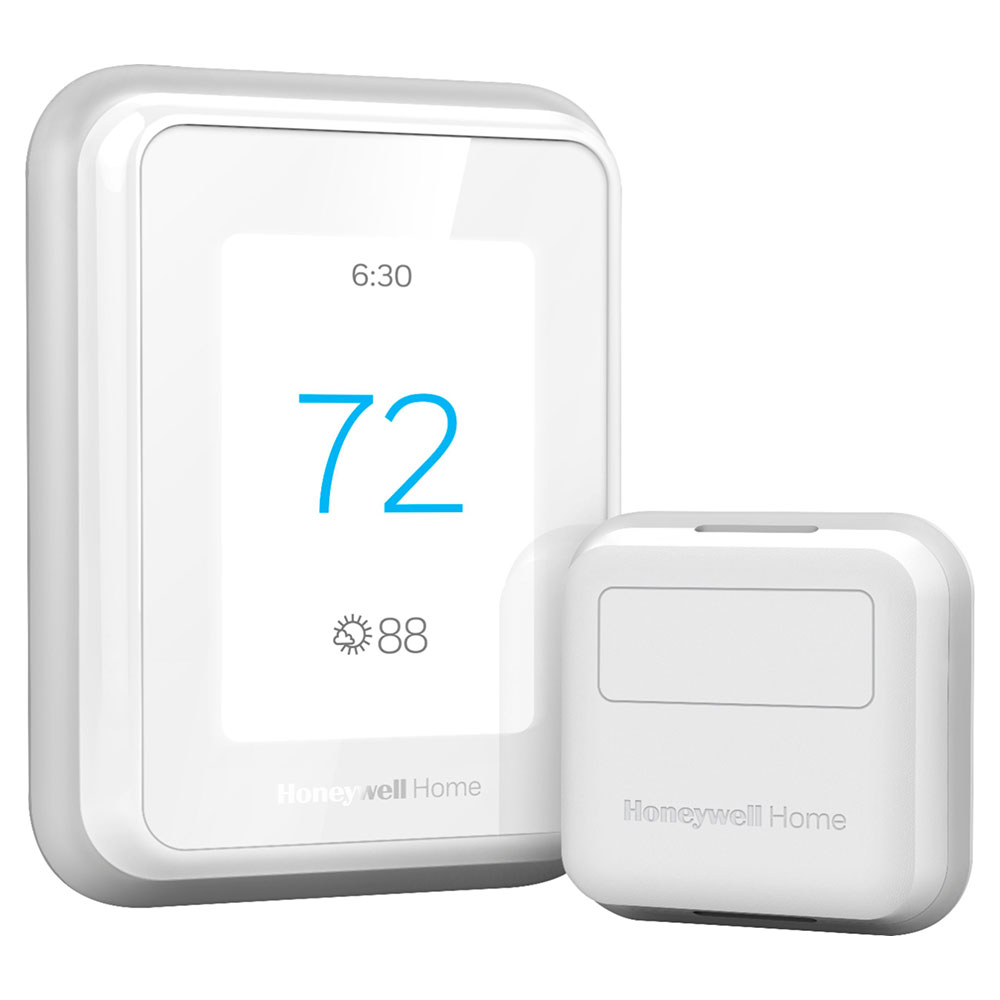
The product features a Smart Thermostat, wireless smart room sensors and the Honeywell Home app. You can purchase the thermostat and sensors separately or bundled. Together, they effortlessly deliver comfort when and where it's needed. The T-Series smart thermostats connect to the smart room sensors via a proprietary 900 MHz wireless radio that can connect to the thermostat up to a 200 ft. range providing a reliable connection to monitor temperature and humidity.
There are several ways you can reset your Honeywell Home Smart Thermostat:
- PERFORMING A FACTORY RESET
- Press the Menu icon
- Scroll down to “Advanced Setup” and select it
- Select “Reset”
- Select “Factory Reset”
- PERFORMING A WiFi RESET
- Press the Menu icon
- Scroll down to “WiFi” and select it
- Select “Change Network”
- Select the new WiFi network and enter the password
- PERFORMING A SCHEDULE RESET
- Press the Menu icon
- Scroll down to “Advanced Setup” and select it
- Select “Reset”
- Select “Schedule Reset”
- PERFORMING A HOMEKIT RESET
- Press the Menu icon
- Scroll down to “Advanced Setup” and select it
- Select “Reset”
- Select “HomeKit Reset”
Yes, it has "Smart Response" and "Adaptive Recovery," which learns how long it takes the home to heat or cool itself. For example, if you want your bedroom set to 70 degrees when you wake up at 6 am, the system knows it takes 30 minutes to heat your home, so the furnace will start heating at 5:30 am. Likewise, if you want a cool bedroom, 65 degrees, at 10 pm, the system takes in to account how long it typically takes your home to reach that point.
The sensor has an occupancy algorithm based on how many motion events it sees within a certain timeframe. This was set up so that if someone briefly walks through a room, the sensor will tell the thermostat that the room is "occupied" for 10 minutes. If someone is in a room longer, then the timeout will be increased automatically.
Sensors communicate directly with the thermostat via Honeywell Home RedLINK technology. After sensing motion, the communication should take less than 3 seconds to assign the room priority, depending on battery and signal strength.
If none of the sensors are detecting people in the rooms in which they're placed, the thermostat will default to sense from its location in the home. If geofencing is turned on, and the Honeywell Home app senses that none of the users are home, geofencing technology will turn the thermostat to your 'away' temperature.
You can select which rooms/smart room sensors you want your thermostat to focus on (which rooms it should measure). For example, during nap time, you may want the nursery room prioritized so the baby sleeps at the ideal temperature. In this case, you can set the priority via a simple voice command; or those rooms are prioritized when people are detected in them. You can even select multiple rooms to be prioritized, like all 3 of the bedrooms, and the thermostat will heat or cool the home based on an average of those rooms.
If the thermostat's priority is set to 'Active Rooms', then any room that detects motion will become prioritized. The average of those rooms' temperatures will be monitored so that the thermostat can adjust to your preferred temperature setpoint. If one of the sensors no longer detects people in that room, that sensor will adjust after a period of time, using the algorithm based on motion events that it sees within a certain timeframe.
RCHT9610WFSW2003/W Video Guide
Watch this helpful video to learn more about the Honeywell Home T9 WiFi Smart Thermostat with Room Sensor - RCHT9610WFSW2003.


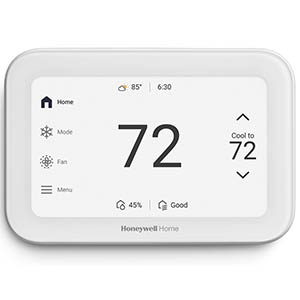
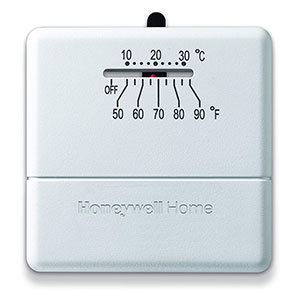

Read customer ratings and reviews for the Honeywell Home T9 WiFi Smart Thermostat with Room Sensor - RCHT9610WFSW2003. Learn what other customers have to say about their experiences, including what they liked, how the Honeywell Home T9 Wi-Fi Smart Thermostat with Smart Room Sensor met their expectations, and any concerns they encountered. These firsthand perspectives can provide helpful information beyond the standard product description.
Browse the reviews to compare customer ratings, explore positive and critical feedback, and make a more informed purchasing decision. If you've purchased or used this product, we encourage you to share your experience and help other shoppers find the right product for their needs.